
AbleCapture (Screen Record Ableton with Audio)
$30.00

Your Local Musician
- Ableton-only screen capture
- Isolated ASIO audio
- DAW-friendly performance
- Flexible recording modes
- Free 24-hour trial
Introducing AbleCapture, the first Screen Recording Software exclusively for Ableton Live
AbleCapture solves one of the most annoying problems for producers making YouTube tutorials for Ableton Live and that is thd inability to screen record Ableton with audio in any well-known screen recording software.
Although you can use OBS Studio alongside an additional plugin to route your audio back, this workflow does not go down well with producers as it is long and complex, with some people reporting they are not able to record audio at all.
AbleCapture is designed to make this easy, effortless and all in one place
What AbleCapture does differently
It records one application’s audio, in isolation. Ableton plays, AbleCapture captures Ableton, and everything else on your machine stays out of the session.
The ASIO problem, solved
Here’s the part that other screen capture software can’t do.
If Live is running on an ASIO driver, as most producers’ setups are, the audio never touches the Windows audio engine at all. It goes straight from Live to your interface. No screen recorder can hear it. That’s not a limitation anyone has been lazy about; it’s how ASIO works.
AbleCapture ships its own ASIO driver that sits in front of the one you already have. Live talks to it, it passes everything through to your real interface untouched and copies the audio on the way past.
Same latency. Same buffer size. Same control panel. Your interface behaves exactly as it did before; it just becomes recordable.
Built to stay out of the way
A screen recorder that makes your DAW stutter is worse than no screen recorder. AbleCapture runs its capture threads at a priority that deliberately yields to your DAW, and encodes on your GPU rather than your CPU.
Tested with every core on an eight-core machine fully loaded, recording for 3 hours while Live played: zero dropped frames, zero audio glitches, zero buffer overruns.
Try it on your own setup for Free
The one thing nobody can promise you in advance is that the ASIO side works with your audio interface, because it wraps whatever driver you already own.
So don’t take my word for it. Download it for free and record for 24 hours. If you like it, buy a license.
No watermark, no length limit, nothing held back. Record a real session, listen back, and decide.
What you get
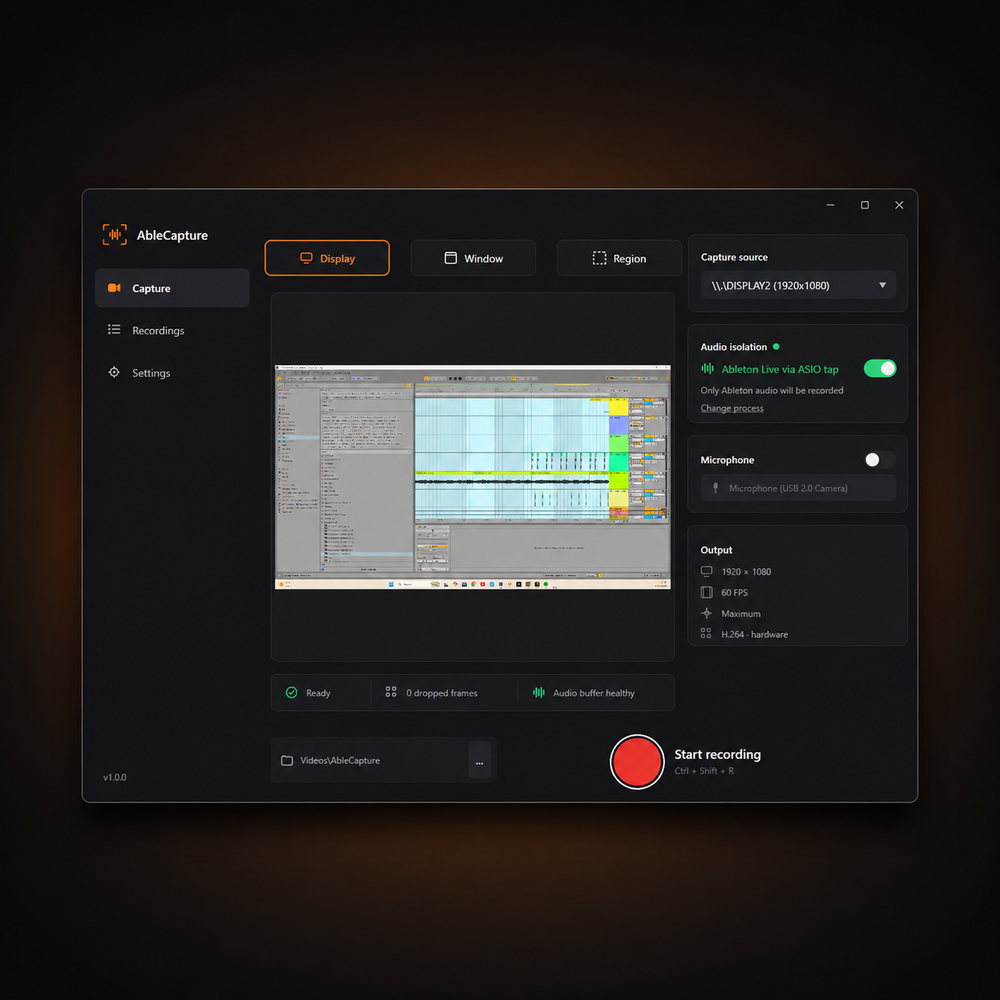
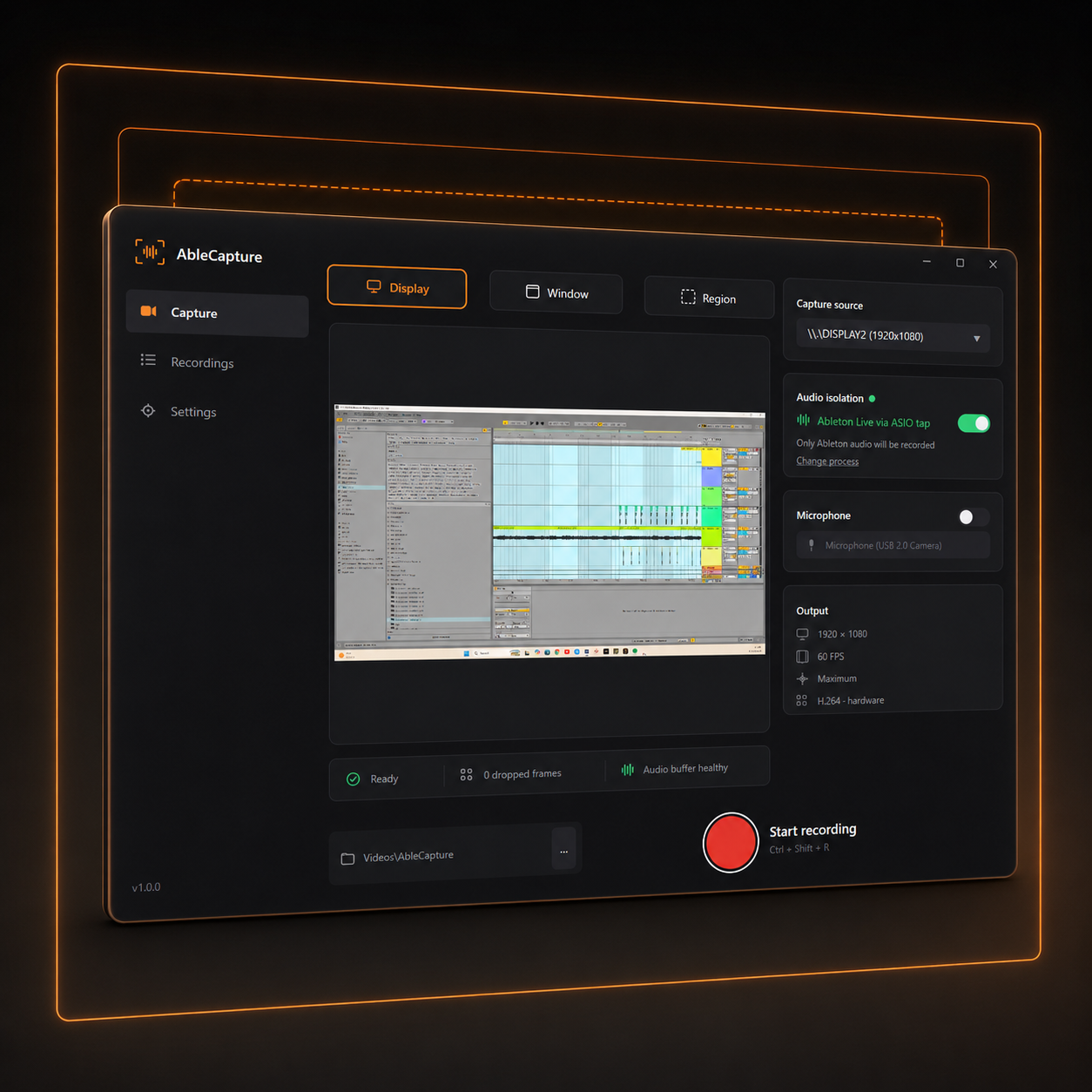
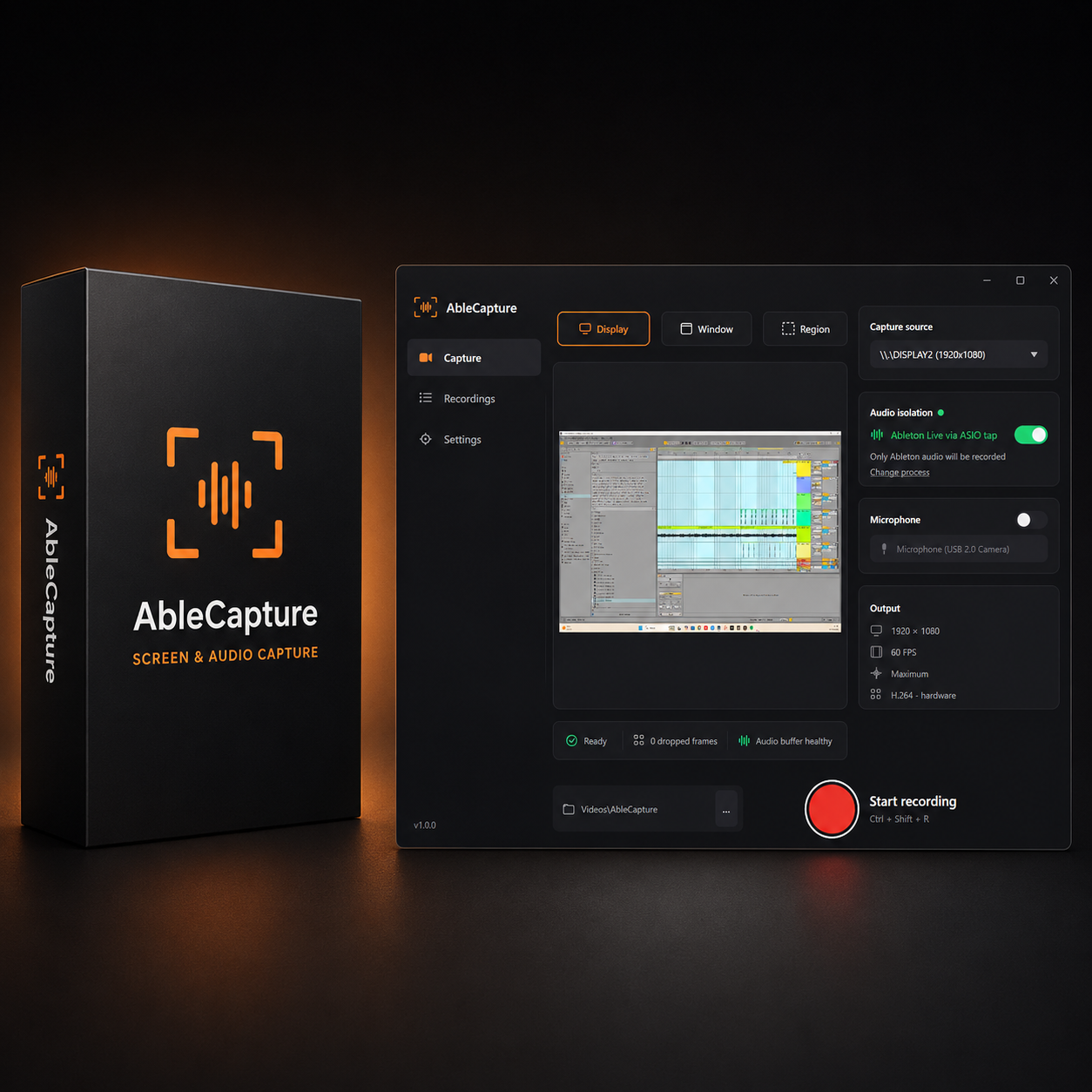
- Records display, a single window, or a region that you draw
- Ableton’s audio in isolation, including over ASIO
- Optional microphone alongside it
- Hardware H.264 or HEVC encoding, so your CPU stays free
- Global hotkey — Ctrl + Shift + R — that works while Live has focus
- Live preview of exactly what’s being captured
How it works
- Download the software for free
- Try it free for 24 hours and record your Ableton screen
- If you like it, buy a license!
- Paste the key into Settings > Licence, and you’re done. No account, nothing to sign in to
- One payment. No subscription.
- One key, all your machines. No activation limit.
- Completely offline, no internet needed.
So if you’re a producer desperate to share your music production skills with others online through YouTube tutorials or your own website, with AbleCapture you can finally record your screen with confidence to demonstrate a new instrument, work with multiple audio inputs, or capture a production session for another time. AbleCapture keeps the entire workflow straightforward.
Choose exactly what you want to capture, check your levels in the mixer, and hit the record button without having to build complicated audio-routing chains first.
Your Ableton session is captured alongside the video and saved ready for editing. It gives producers a much simpler way to record content for YouTube, courses, social media or even a live stream, while keeping the focus on making music rather than troubleshooting recording software.
Requirements
| Windows | Windows 10 version 2004 (build 19041) or newer, or Windows 11 |
| Graphics | Any GPU with a hardware video encoder – most since about 2014 |
| DAW | Built for Ableton Live; works with any Windows DAW using MME/DirectX or ASIO |


George Benny –
Jesus! Ive been looking for a solution to the whole Ableton + Windows screen recording issue for years, i cant believe someone actually came up with a fix.